
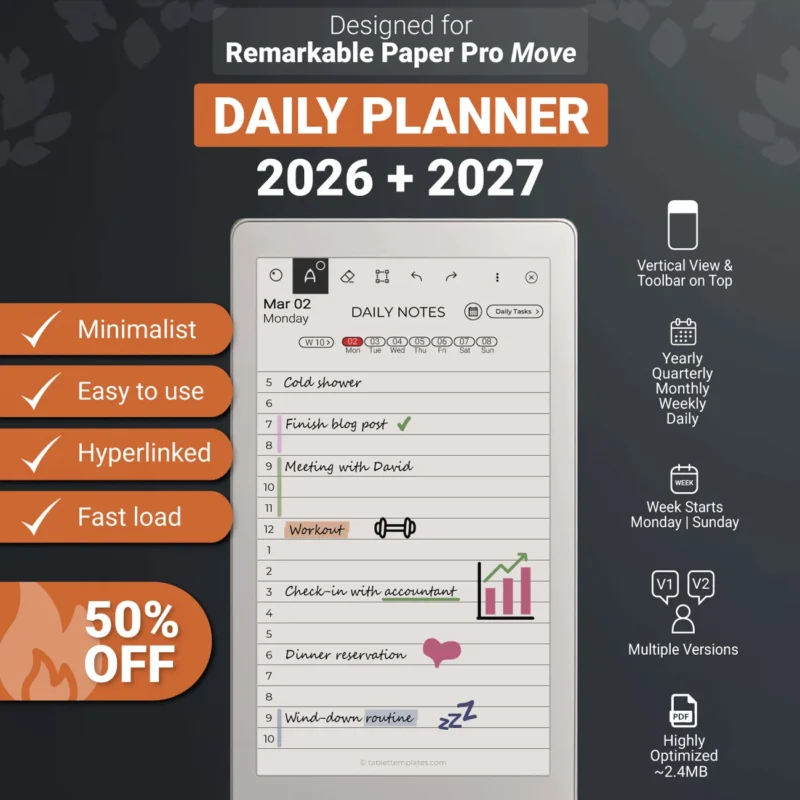
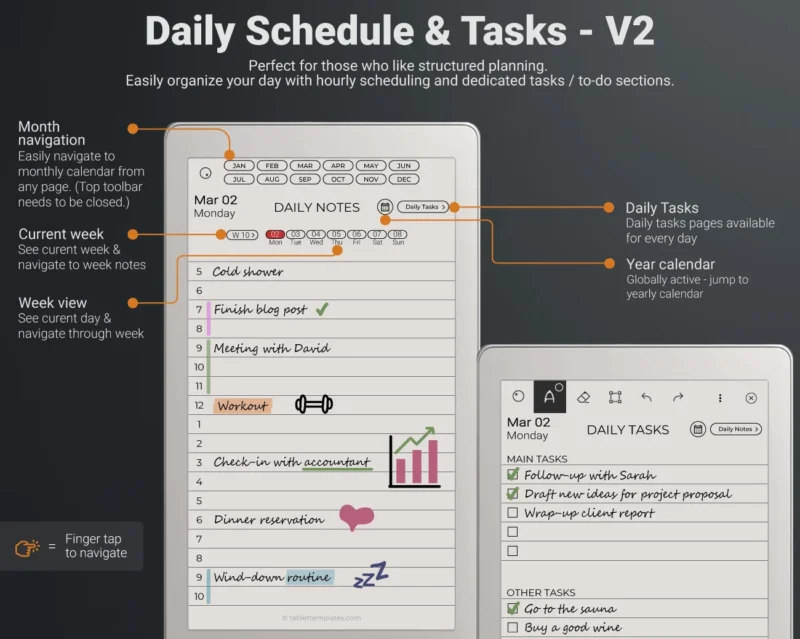
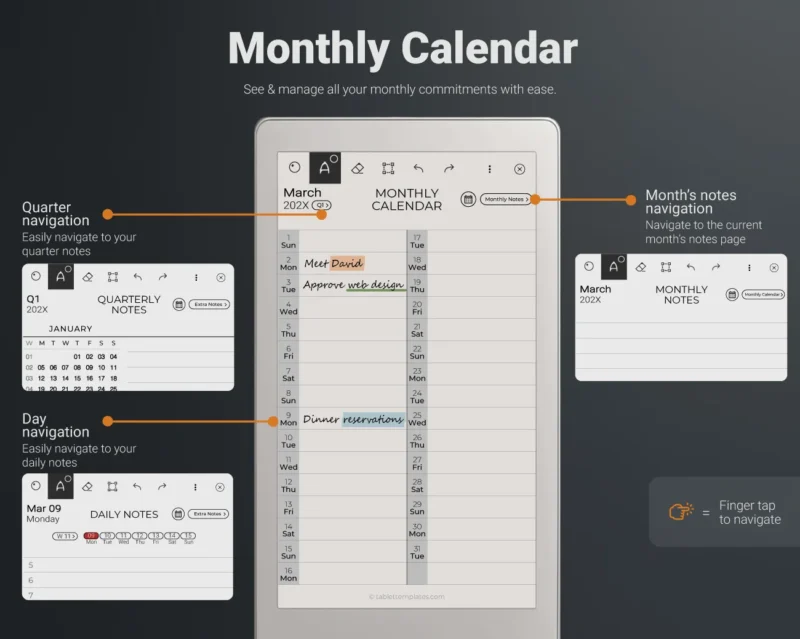
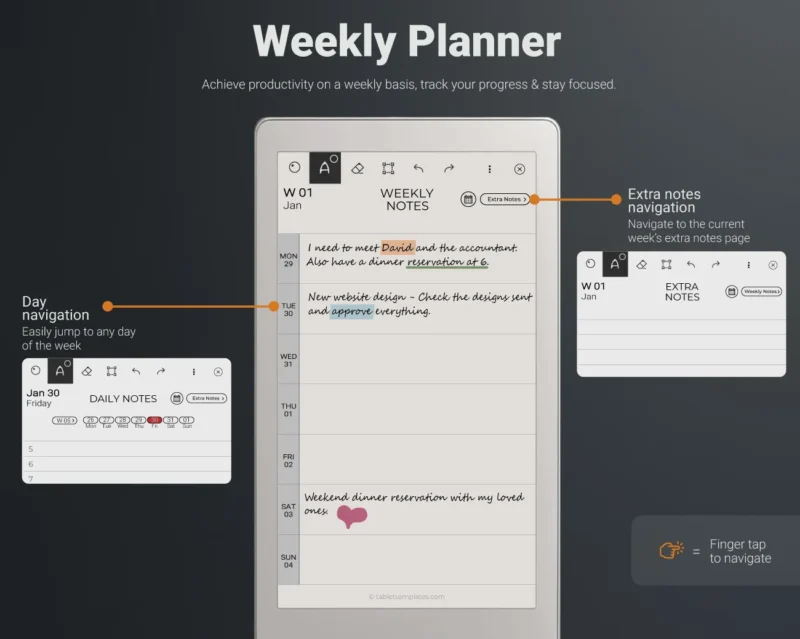
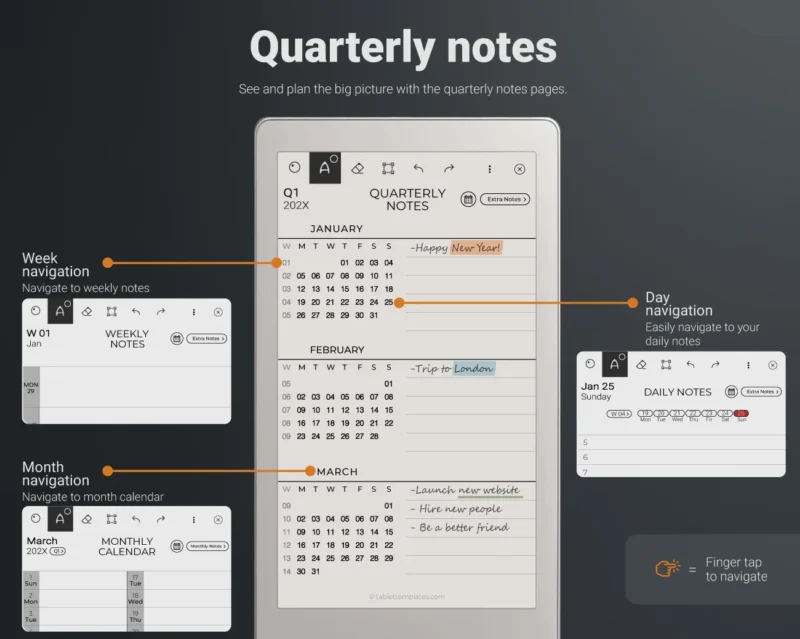
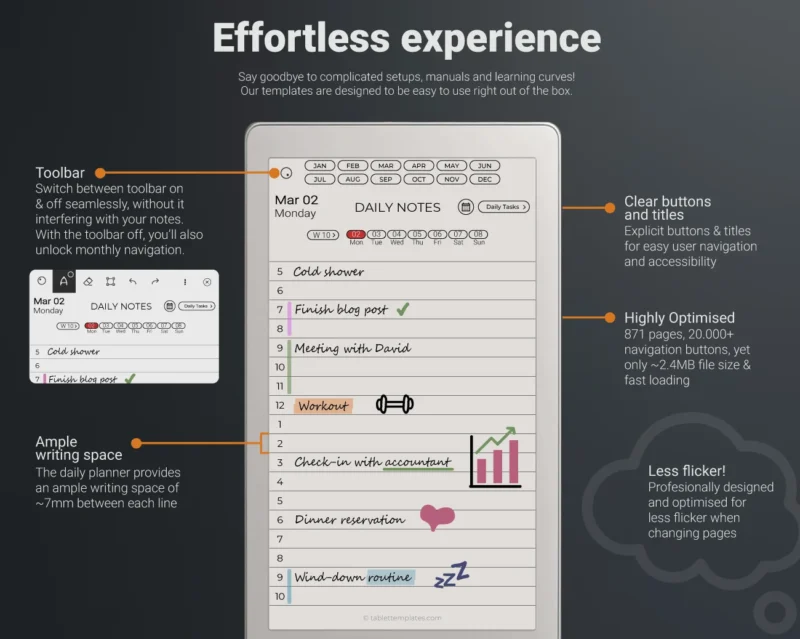



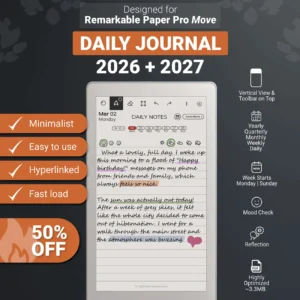
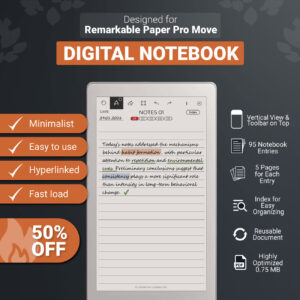
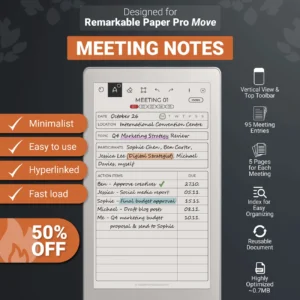
Our Daily Planner for reMarkable Paper Pro Move is a simple yet powerful tool that will help you organize your year, achieve your goals and become the best version of yourself.
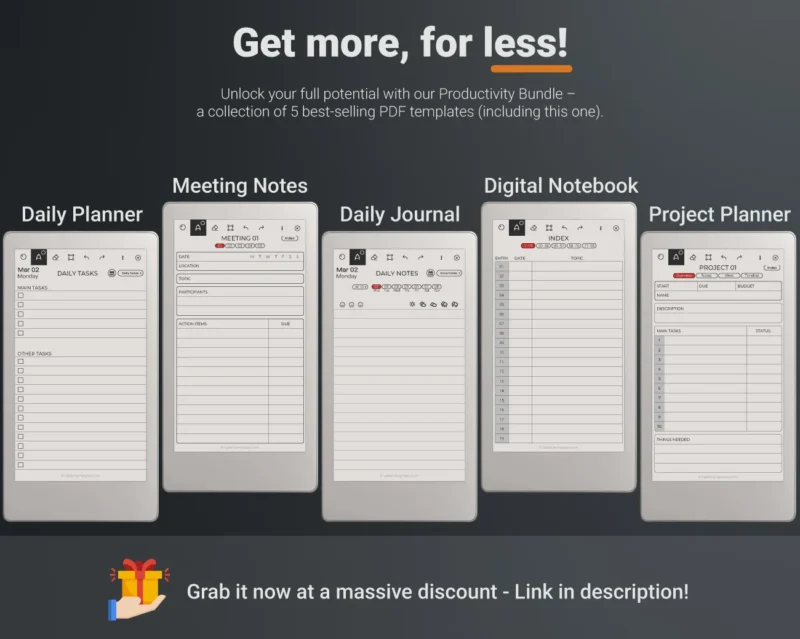
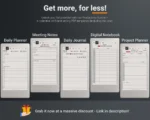
🚀 Want more for less? Unlock your full potential with our Productivity Bundle – a collection of 5 best-selling templates (including this one). Grab it now at a massive discount: tablettemplates.com/product/remarkable-paper-pro-move-bundle/
Our minimalist design approach makes it easy for you to focus on what’s important, while our user-friendly layout ensures that you won’t miss a thing.
Organize your year like a pro and achieve your goals like never before with our designed for reMarkable Paper Pro Move Planner.
1. 📝 CONTENTS
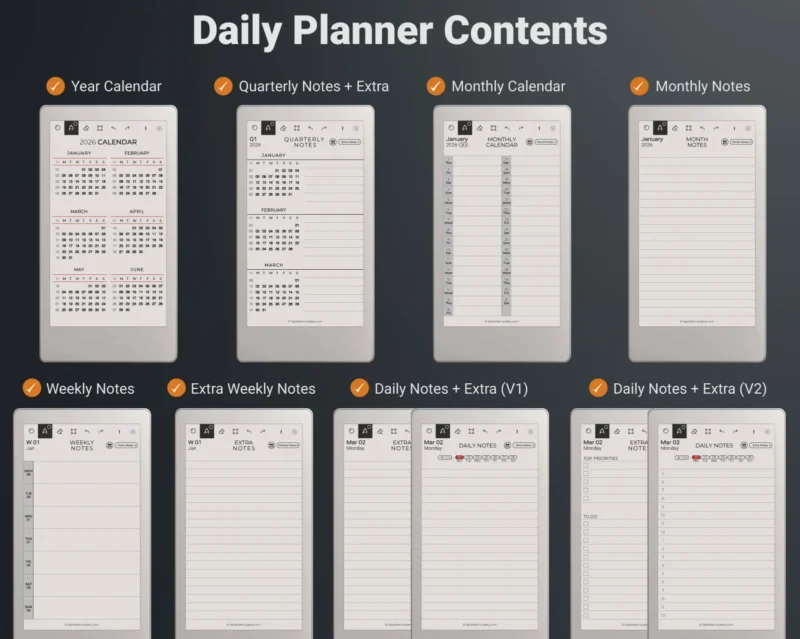
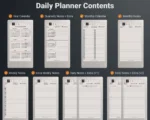
You will receive our Daily Planner 2026 & 2027 version (1 file for each year), containing:
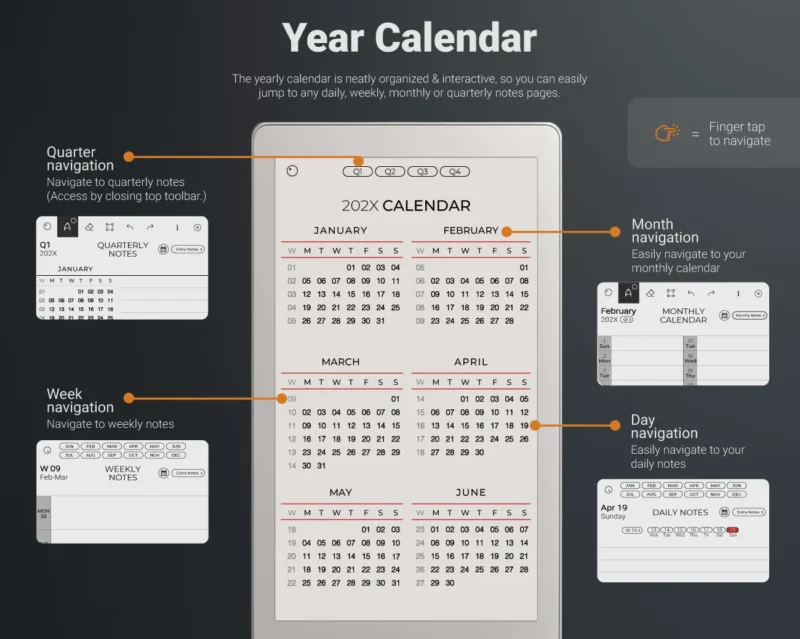
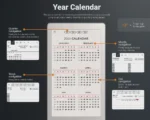
✔️ Year Calendar (2 pages)
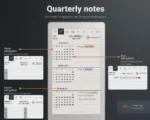
✔️ Quarterly Notes (8 pages)
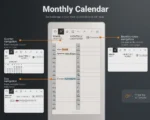
✔️ Monthly Calendar (12 pages)
✔️ Monthly Notes (12 pages)
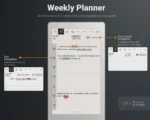
✔️ Weekly Notes (53 pages)
✔️ Weekly Extra Notes (53 pages)
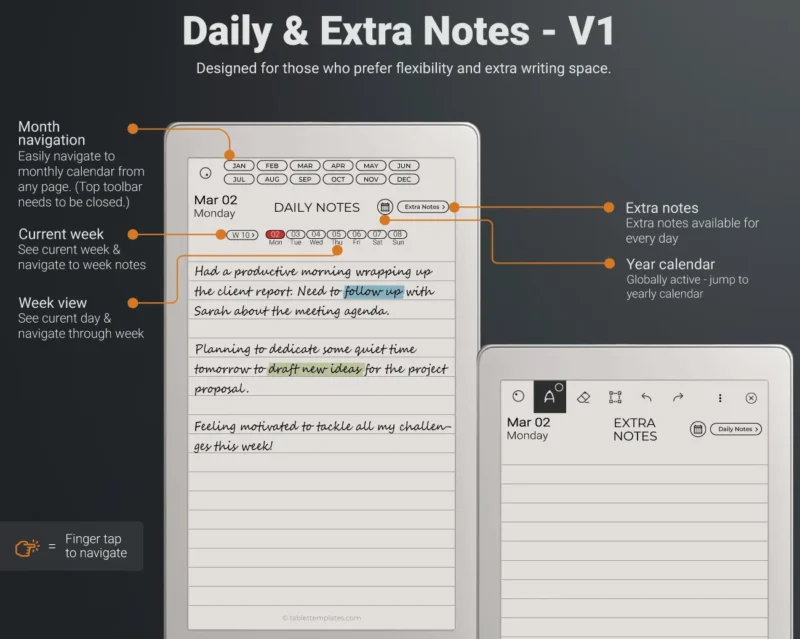
✔️ Daily Notes (366 pages)
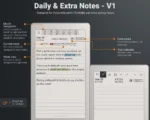
✔️ Daily Extra Notes (366 pages)
✔️ Planner Cover (1 page)
Whether you’re a busy professional, a student, or simply looking to improve your daily routine, our planner is the perfect companion to help you stay on track and become a better you. With a clear and concise layout, you’ll be able to visualize your goals and progress towards them each and every day.
So why wait? Start organizing your life today with our designed for reMarkable Paper Pro Move Daily Planner and take the first step towards becoming the best version of yourself.
2. 💎 DESIGN
All our documents are designed with the science of focus in mind, by applying a minimalist design approach and by using the latest technologies.
The result is a clean, clutter free and easy to use designed for RPPM planner. Unlike other planners, ours has a special focus on simplicity and ease of use, which ensures a smooth learning curve for even the most novice users.
Lastly, as it is specifically designed for the reMarkable Paper Pro Move tablet, it will be flawlessly displayed on it.
3. 🖌️ CUSTOMIZATIONS
The following variants are all available without any extra cost:
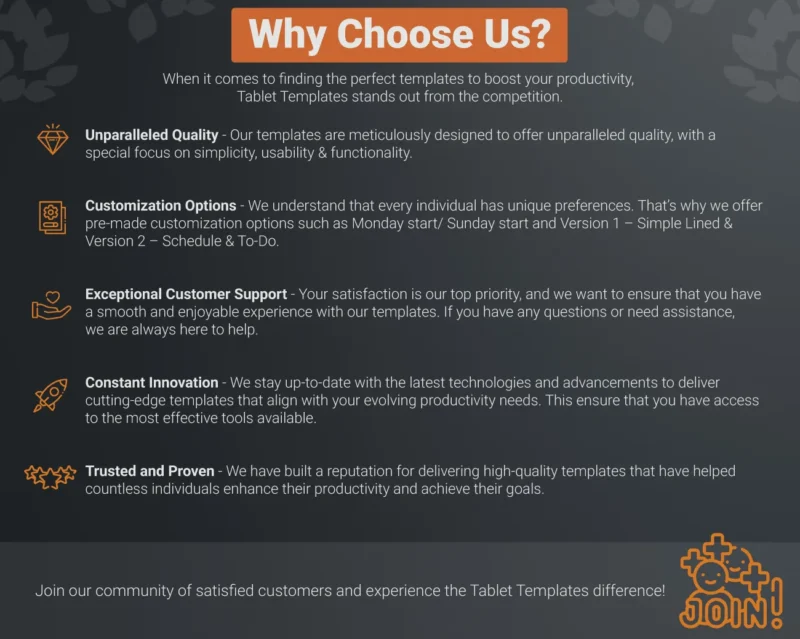
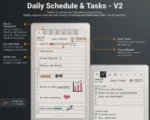
✔️ Version 1 – Simple Lined & Version 2 – Schedule & To-Do
✔️ Week Starts Monday / Week Starts Sunday
✔️ Compatible for both Right-Handed & Left-Handed (because toolbar is on top)
Other customizations can be made for specific needs. Please contact in advance to check if additional costs are required.
4. ✋ TEMPLATE LIMITATIONS
All custom and hyperlinked templates, such as ours, are PDF documents. While they offer unmatched functionality & design, certain tablet features are not available in PDF format yet.
The tablet hasn’t introduced the following features to PDF documents yet:
- handwriting conversion to text
- compatibility with the type folio or typed text
- ability to change background design, as with the native, in-built templates
- note taking not available via mobile or desktop App
PDF templates work as standalone files, separate from the native, inbuilt reMarkable templates. There is no cross-functionality between the inbuilt templates and our PDF templates.
Please keep these limitations in mind before purchasing any of our templates.
5. ⚖️ LICENCE
All our designed for reMarkable templates are for personal use only. Please do not distribute, modify or resell. All copyrights and intellectual properties belong to TabletTemplates.
reMarkable, its associated trademarks, logos and copyrights are the property of reMarkable. This shop is neither endorsed nor sponsored by reMarkable, and the developer of these templates is not affiliated with it.


arcpalmer –
Exactly what I was looking for in a daily planner. Easy to navigate and the download instructions were a cinch
Janice –
my go-to tool for daily use
Arne K. –
Übersichtlicher Kalender mit Notizfunktion, genau das was ich gesucht habe
Brian –
Happy with this!
Jeff –
Very nice product. I like how you can customize whether you want the weeks to start on Sunday or Monday. Calendars that start on Mondays always make my OCD go into overdrive. This seller obviously knows how to ensure their customer gets exactly what they want.
TERENA –
Amazing product and great communication from seller
Edward M. –
it’s a great product defiantly use
Yvonne –
Perfect planner for my Move! Works well and has everything I need to organize my day.
Ruben –
This is the 3rd planner I purchased for the Move (yeah, it’s been less than a month since release), but this is by far the best one. The monthly calendar is the best layout without needing to rotate the screen into landscape or scroll down for the last days of the month. And all hyperlinks I need are in one page so I can go to the quarter, month, week or day without too many presses. And very fast too. Great job on this!
Haylee –
Thank you for the templates.
jareuhme –
Great template, exactly what I needed
green –
The daily planner for reMarkable Move is wonderful, and the customer service from Alex is amazing. The Move is newly released, and once I received the product, I noticed some tiny things about the consistency of the words in titles/tabs, and I also hoped the website text at the bottom could be dimmer. I told Alex, and he replied incredibly fast—fixing all the small issues as long as my suggestions were reasonable.
We completed all the updates in 2 or 3 rounds, and Alex remained patient the whole time. I feel wonderful about this product being developed in a community, with a creator who listens to reasonable suggestions and is willing to make improvements in a short time. Absolutely 5 stars.
Philippe –
Thank you for the great templates!!
I work as a medical sales rep and we often have to log some sales calls or business opportunities or requests from surgeons… Would be awesome if there were more templates available out there that could help on that aspect (just sayin’).
Also kudos to your professionalism for reaching out for feedback.
Thanks again for the great work ✌️
Isabelle –
Parfait. Sobre et très ergonomique.
Elizabeth Chan –
His notes were simple and quick to get to pages and calendars. Very intuitive and have todo lists and priorities as well.